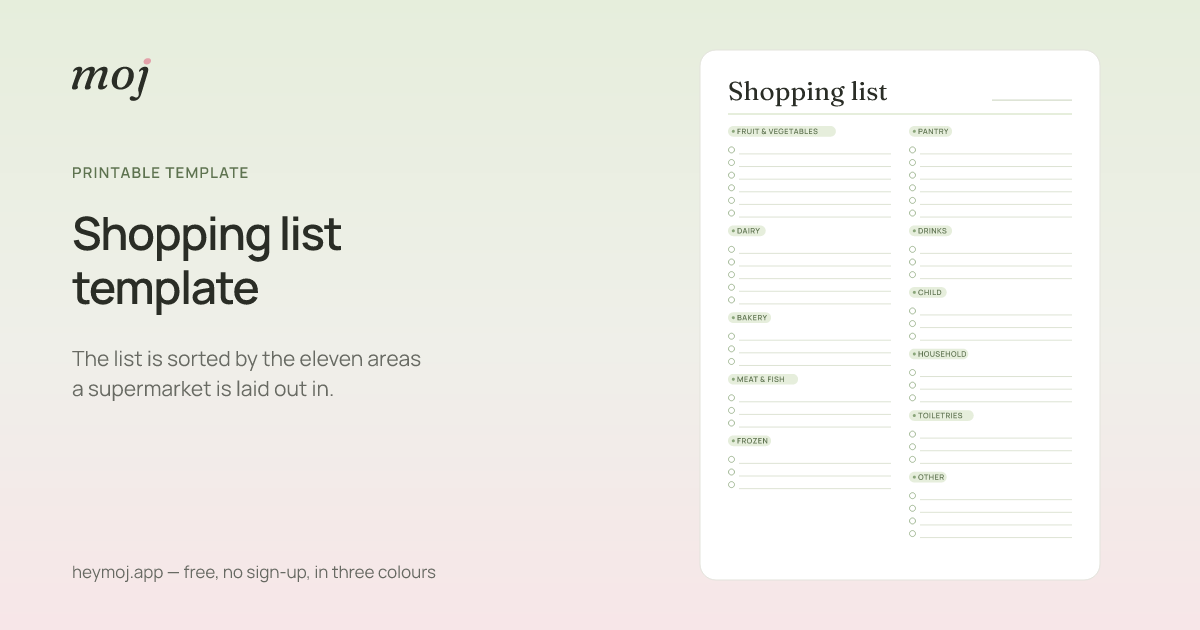
 Shopping list templateThe list is sorted by the eleven areas a supermarket is laid out in.
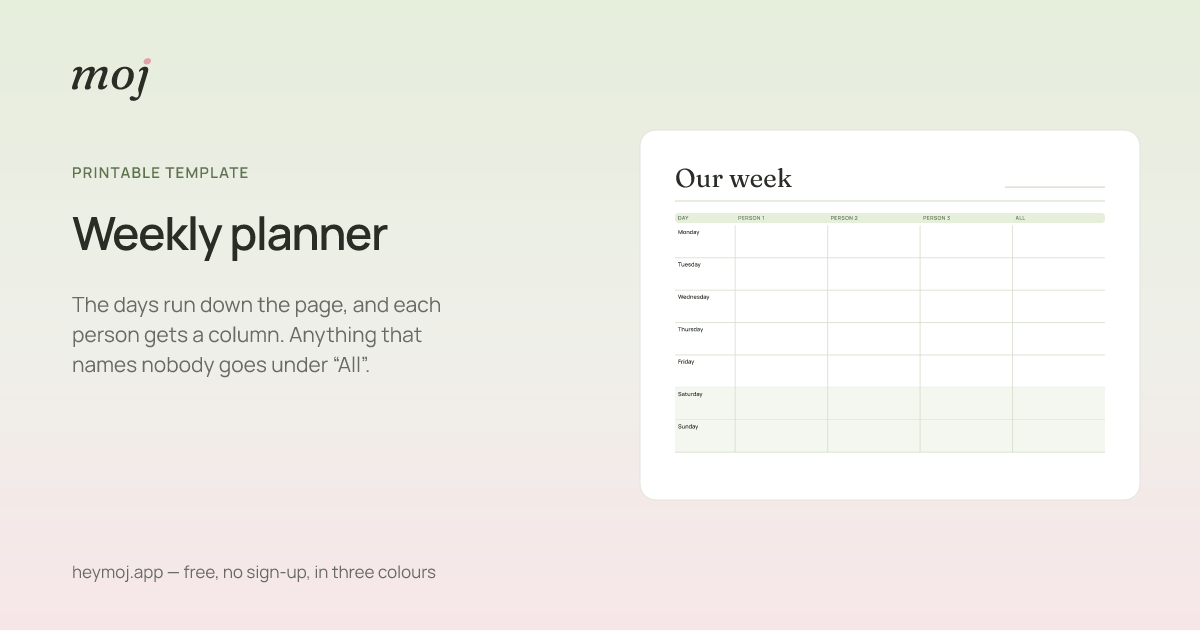 Weekly plannerThe days run down the page, and each person gets a column. Anything that names nobody goes under “All”.
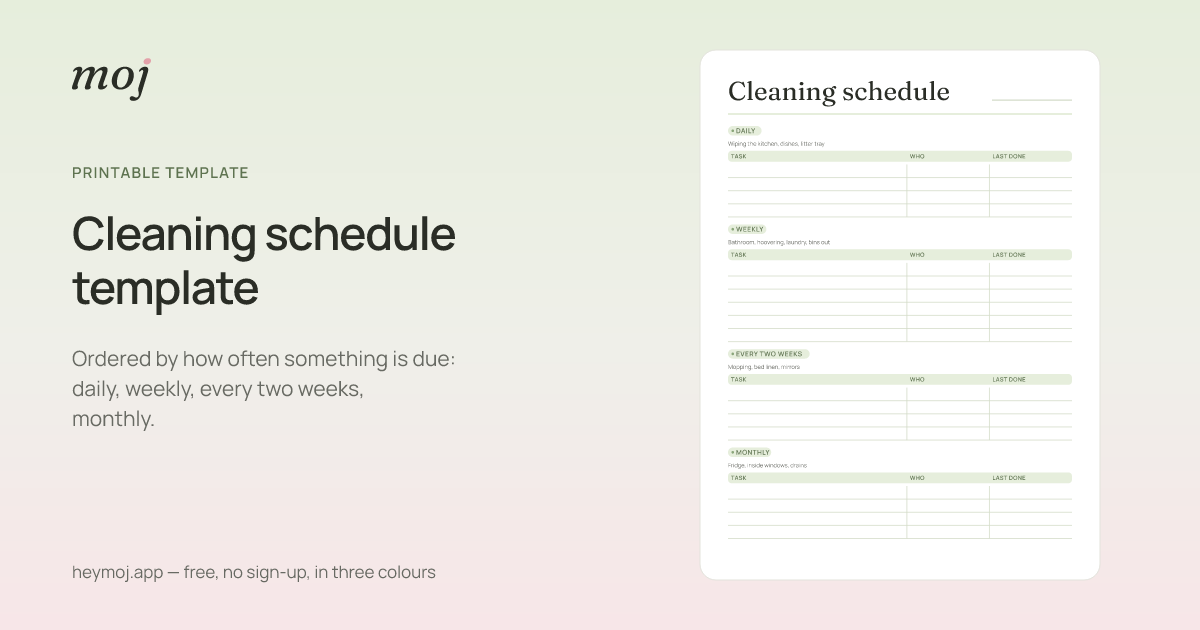 Cleaning schedule templateOrdered by how often something is due: daily, weekly, every two weeks, monthly.
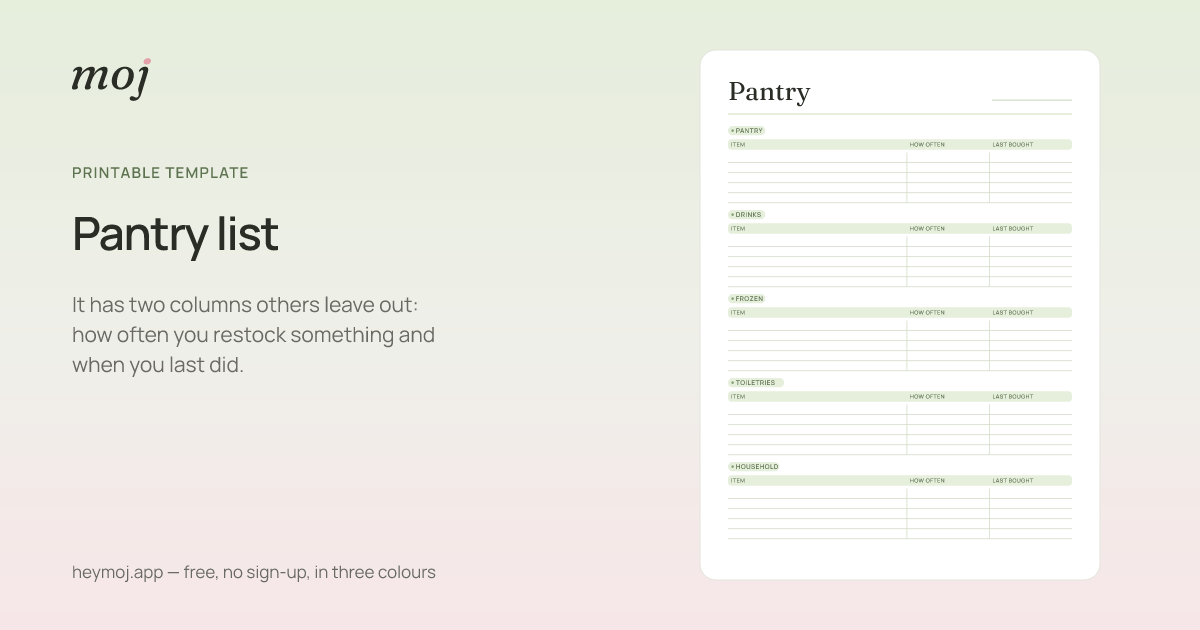 Pantry listIt has two columns others leave out: how often you restock something and when you last did.
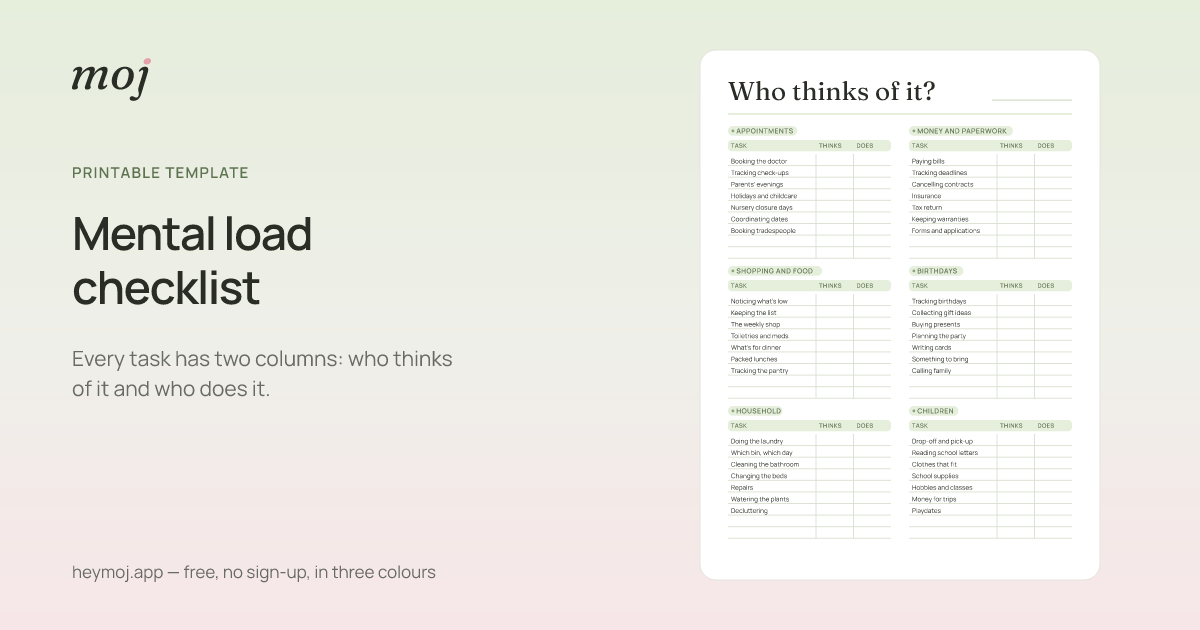 Mental load checklistEvery task has two columns: who thinks of it and who does it.
What do the templates have in common?
No sign-up, no email address and no fonts from someone else’s server. Every template comes in several forms and three colours. One of the colours is black and white and saves ink. And printing means printing: the list goes on the paper, not the text around it or the menu.
Every template is open about what it can’t do. Paper doesn’t know what is already in the trolley. It doesn’t work out an interval. And it doesn’t change when the dentist appointment moves.
That is what the app is for. None of this makes a template less useful. It just makes it honest.
Short answers
Are the templates free?
Yes, all of them. There is no sign-up and no email address. You don’t have to enter anything before you get a sheet.
What format do I get them in?
You print them straight from the browser, with the “Print” button above the sheet or with Ctrl+P. On a phone you go through “Share” and then “Print”. If you want a file, choose “Save as PDF” instead of a printer in the print dialogue. That works on Windows, macOS and Android. On an iPhone the “Share” button in the print dialogue saves the PDF.
Why don’t the pages load anything from elsewhere?
Because they don’t need to. There are no fonts from someone else’s server and no tracking pixels. The only script is one line of ours: it makes the “Print” button open the print dialogue. moj as a whole makes the same promise.
What does this have to do with the app?
Each template carries one idea from moj. The ideas are the order of the supermarket, a column per person, an interval instead of a weekday, a restocking rhythm and the question of who thinks of what. On paper you have to keep them up by hand. In the app you don’t.
As of 12 October 2026. More about the app on the home page.
What if the list did the remembering?
moj is the family planner you simply send things to: by WhatsApp, as a voice message or as a photo. It all ends up sorted, where everyone can see it.
In the Swiss App Store since 6 October 2026. Germany and Austria will follow, and Android by the end of the year.
Not available for you yet? Leave your address and we will let you know.
One mail to confirm, one at launch, none after that.